Introduction
On April 22, 2026, OpenAI unexpectedly launched ChatGPT Images 2.0, powered by the GPT-Image-2 model. Free users can access the basic version, while paid users unlock advanced features such as reasoning mode, high-definition images, and batch consistency. This upgrade marks a significant evolution from simply generating images to a more thoughtful approach that addresses long-standing issues with AI-generated images.
1. Chinese Text Generation Test: No More Garbled Text
The previous version of AI image generation struggled with Chinese text, often resulting in errors and unreadable output. Version 2.0 has optimized text generation for languages including Chinese, Japanese, Korean, and Hindi, claiming over 99% accuracy.
Test Steps
- Prompt: Generate a Chinese fast-food menu with dish names, prices, and a bilingual layout, formatted for A4 size.
- Generate using the old version, Images 2.0 quick mode, and reasoning mode.
- Inspect the text, punctuation, layout, and clarity of small print.
Test Results
- Old Version: Chinese characters were garbled, fonts distorted, and spacing chaotic.
- Images 2.0: Clear and standardized Chinese text, correct punctuation, aligned layout, and sharp small print, ready for printing.
2. Reasoning Mode Test: Logic Before Drawing
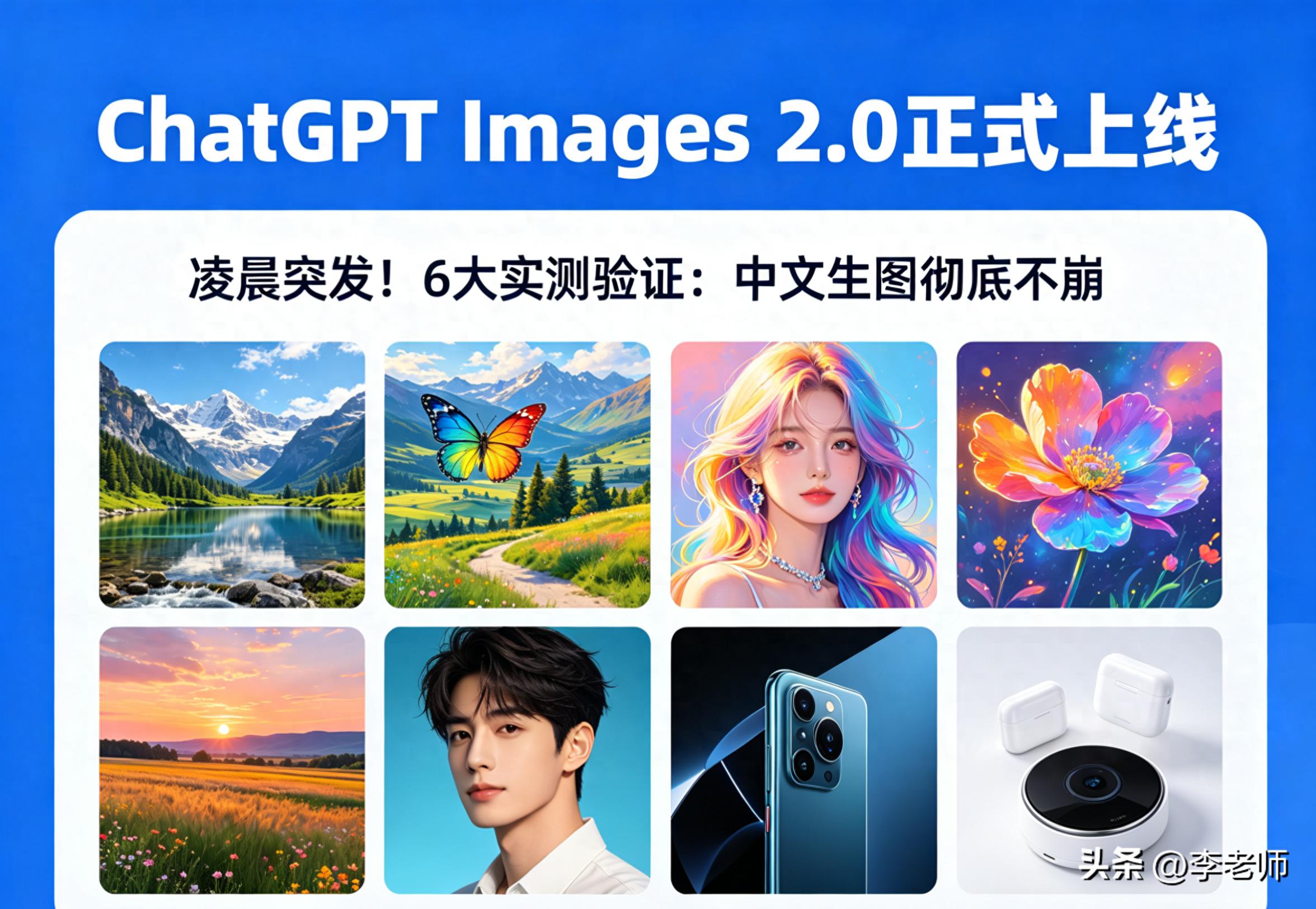
This is the core upgrade: instead of generating images directly, it first searches online, analyzes documents, plans the structure, and self-checks. This feature is exclusive to paid users.
Test Steps
- Prompt: Create a promotional poster for a smartwatch in a minimalist 2026 tech style, including product images, specifications, and clear small print.
- Activate reasoning mode and observe the process: structure → colors → hierarchy → elements → rendering.
- Compare with standard mode: quick output but disorganized elements, outdated style, and poor logic.
Test Results
- Reasoning Mode: Professional composition, reasonable proportions, clear hierarchy, and accurate information.
- Standard Mode: High randomness and rough details. Reasoning mode is essential for complex scenes like infographics and manuals.
3. Consistent Multi-Image Generation Test: Eight Images at Once
The old version recalculated each image, leading to inconsistencies in characters, styles, and objects. Version 2.0 allows generating up to eight images at once with global consistency.
Test Steps
- Prompt: Generate an eight-panel Japanese workplace comic featuring a fixed male protagonist with black hair and a female white-collar worker, storyline: overtime → communication → resolution, with a unified art style.
- Enable consistent generation and lock character and style settings.
- Check the consistency of character appearance, clothing, art style, and scene coherence.
Test Results
- All eight images featured unchanged characters, a unified art style, and natural scene transitions, greatly enhancing efficiency for comics, short videos, and design proposals.
4. 2K HD and Aspect Ratio Test: Detail Maximized
The old version supported a maximum resolution of 1024×1024 with limited aspect ratios. Version 2.0 supports up to 2K resolution and aspect ratios from 3:1 to 1:3.
Test Steps
- Prompt: Generate a 2K realistic image of a city at dusk in a 16:9 widescreen format, rich in detail and realistic lighting.
- Switch aspect ratios: 1:1, 9:16, 3:1, 1:3, and generate accordingly.
- Inspect texture, edges, lighting, and text clarity.
Test Results
- 2K details were sharp, with no jagged edges and natural lighting; all aspect ratios were covered, suitable for posters, short videos, horizontal covers, long images, and mobile interfaces.
5. Local Editing and Redrawing Test: Precise Modifications
The new local editing feature allows users to select areas and directly modify content, style, text, and elements without affecting other parts.
Test Steps
- Generate a tech poster with a title, product, and small print.
- Select the title area and prompt: change the title to “2026 Smart New Products,” bold the font, and change it to red.
- Select the product area and prompt: change it to a silver appearance with lighting effects.
- Check modification accuracy, edge blending, and overall consistency.
Test Results
- Modifications were precise, with no misalignment and natural blending, improving efficiency by over ten times for tasks like changing text, colors, or fine-tuning interfaces.
6. Online Image Generation Test: Using the Latest Information
Reasoning mode can access the internet to automatically check the latest data, events, design trends, and product specifications, generating realistic images.
Test Steps
- Prompt: Generate an image of the latest technology exhibition in April 2026, including mainstream brand booths, audience, and layout.
- Activate reasoning + online access and observe: search for exhibition information → brand layout → on-site style → then generate.
- Compare with offline generation: outdated content, incorrect elements, and old information.
Test Results
- The online version featured accurate elements, correct brands, and a style that matched the 2026 reality, avoiding fabrication. This is ideal for news images, exhibitions, events, and product promotions.
7. Free vs. Paid Features and Accessibility
- Free Users: Quick mode, basic resolution, single image, basic text, and standard ratios.
- Plus/Pro/Business: Reasoning mode, 2K resolution, consistent eight-image generation, local editing, all ratios, online access, and advanced styles.
The accessibility is very low: it can be used directly on the web or app without installing plugins, and prompts can be simple and straightforward without complex commands.
8. Summary of Tests
Images 2.0 transforms AI image generation from a “toy” into a “productivity tool”:
- Chinese text is now reliable and usable for commercial purposes.
- Logic precedes image generation, ensuring precision.
- Consistent multi-image output enhances efficiency.
- 2K resolution and all aspect ratios maximize detail.
- Local editing allows for efficient modifications.
- Online image generation provides realistic and reliable results.
Ordinary users can create posters, menus, images, and short video covers; designers, artists, and content creators can double their efficiency, achieving in one day what previously took a week.
This upgrade is not just about better images; it’s about understanding user needs more accurately and practically, marking the entry of AI image generation into the commercial era.
Comments
Discussion is powered by Giscus (GitHub Discussions). Add
repo,repoID,category, andcategoryIDunder[params.comments.giscus]inhugo.tomlusing the values from the Giscus setup tool.